How to Keep Your Computer Safe from Virus?
Thorough and Effective Virus Removal
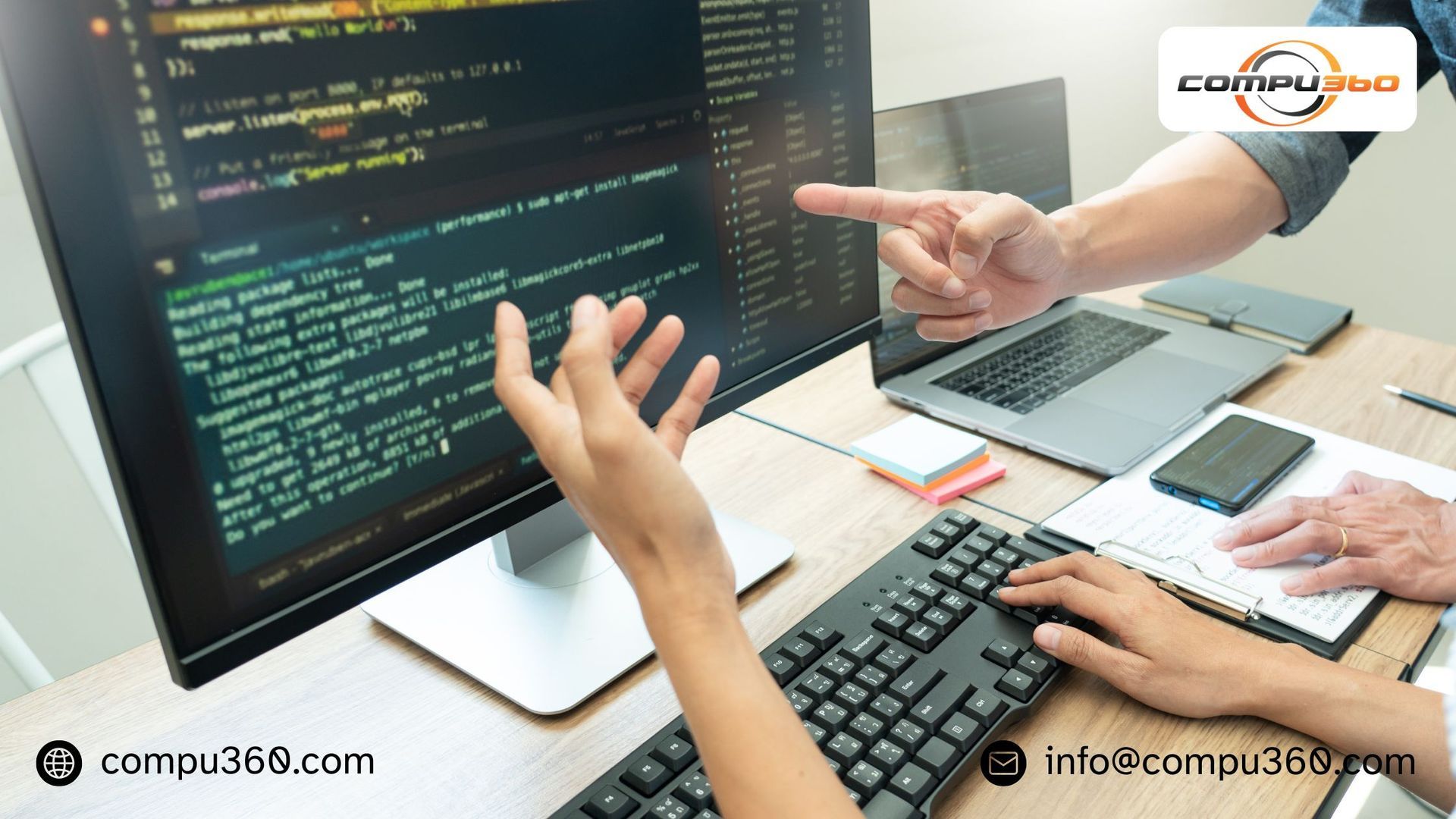
Currently, the increasing reliance on computers for work, communication, and entertainment comes with the risk of virus and malware infections. When your device shows signs like slow performance, unexpected crashes, or pop-ups, it’s essential to act quickly. Hiring a professional virus removal service ensures thorough and effective computer virus removal, protecting your data and restoring your device’s optimal performance.
Free antivirus tools are often not enough against advanced and deeply embedded malware. Professional virus removal services use specialized tools and expertise to detect and remove all types of viruses and malware completely. This comprehensive approach ensures your computer is cleaned; while securing it against further threats and minimizing the risk of recurrence.
Protecting Your Data and Privacy
Malware slows down your computer and attempts to steal personal and sensitive information such as financial details and passwords. A professional service can safeguard your data by eliminating existing threats and closing security gaps. They can protect your privacy and prevent data breaches, which are paramount for both individuals and businesses.
Improved System Performance and Reliability
Virus can consume system resources and run processes in the background; while causing slowdowns and crashes. Once the experts remove the malware, your computer’s performance improves significantly. Professionals optimize your system to prevent future issues, extend the lifespan of your hardware and reduce the need for frequent repairs.
Preventing Data Loss and Downtime
Some viruses are specifically designed to corrupt or delete important files; while causing permanent data loss. Professional virus removal services can minimize these risks and may offer data recovery options. Moreover, fast and effective virus removal can reduce computer downtime; allow users and businesses to maintain productivity without major interruptions.
Customized Solutions and Expert Guidance
Every virus is unique, requiring tailored removal strategies. Professional services can assess your device’s specific situation and configure customized solutions to address the issue effectively. Apart from removal, experts can provide advice on best practices for online security and proactive steps to keep your device safe from future attacks.
Peace of Mind with Reliable Support
Hiring professionals for malware and virus removal means that you have access to expert knowledge, ongoing support, and strong cybersecurity measures. This support can provide peace of mind that your computer is protected against current and emerging threats. They allow to you focus on your work without worrying about security risks.
Final Conclusion –
Choosing professional computer virus removal service allows you to take advantage of comprehensive benefits that free antivirus software cannot match. From thorough malware elimination and data protection to improved performance and personalized solutions, hiring an expert ensures that your computer stays safe and reliable. If you suspect your device is infected, entrusting a specialist for complete virus removal is the smart choice for long-term computer security.
Compu360 offers a comprehensive range of computer repair services, virus removal, and web solutions. Our computer virus removal service effectively gets rid of viruses, worms, malware, spyware, and other invaders. We eliminate the “bad guys” and reinstall the software programs for comprehensive virus protection. For effective malware and virus removal, please contact us today at 440-871-9300.