
How to Handle Computer Problems Without Leaving Home
We’ve all had that moment — your computer freezes up, starts making a weird noise, or refuses to turn on just when you need it most. Frustrating, right?
The thing is, you don’t always have to pack it up and drive to a repair shop. With trusted computer repair in Westlake, many issues can be handled quickly, sometimes without leaving your home at all.
Take a Minute to Check What’s Actually Wrong
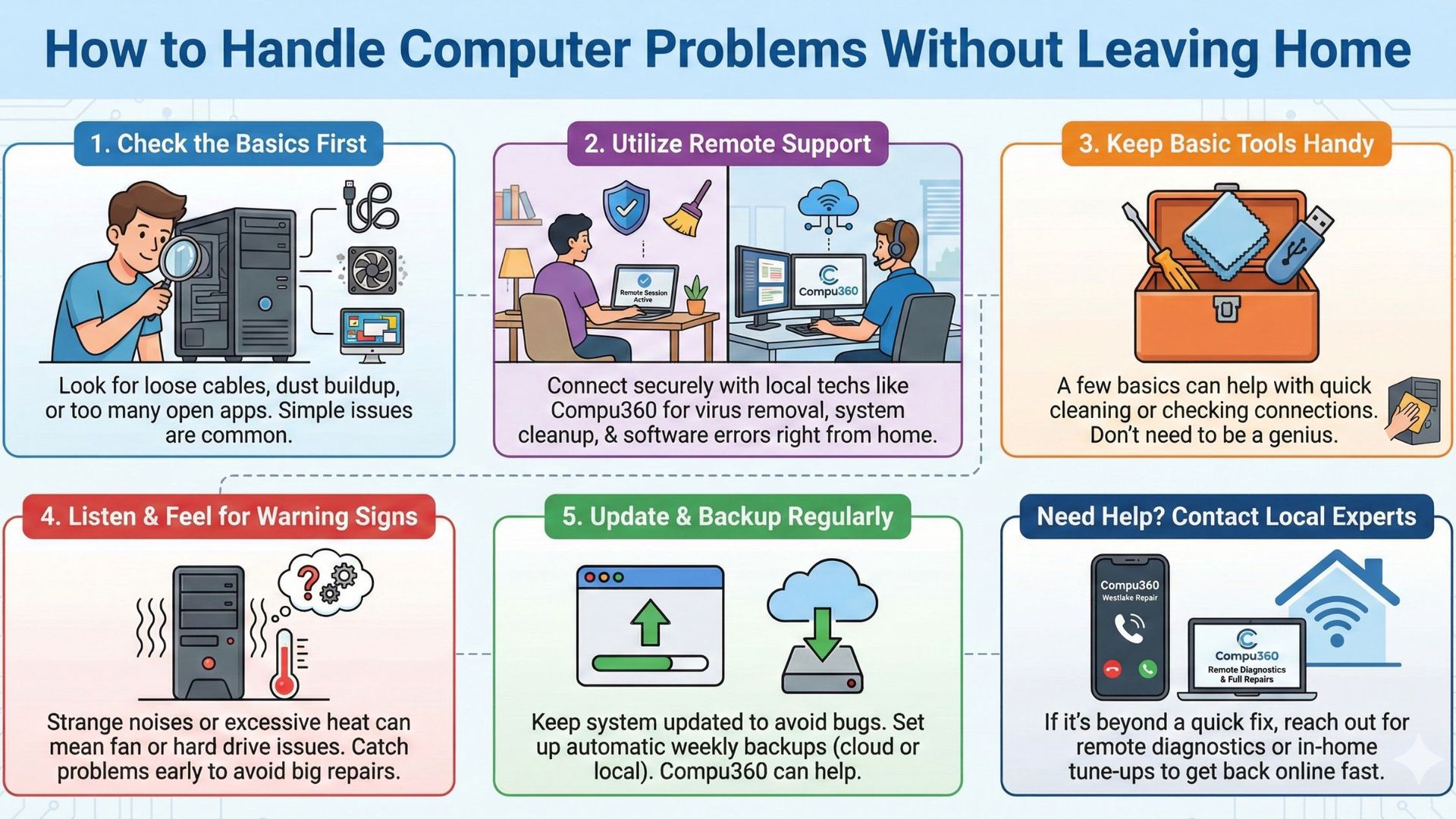
Before calling for help, take a look yourself. Maybe the problem isn’t as bad as it looks. Loose cables, dust buildup, or too many apps open can all slow things down.
It’s easy to overlook small things when you’re frustrated. Local techs at Compu360 say that many clients contact them for big repairs that turn out to be something simple — which means checking first can save time and stress.
Remote Fixes Can Save the Day
These days, you don’t always need a technician knocking on your door. Most modern computer repair services offer remote support.
The Compu360 team, for instance, can connect to your computer securely and handle issues like virus removal, system cleanup, and software errors right from their office. It’s fast, safe, and a lot more convenient than packing up your setup.
Keep a Few Basic Tools Handy
You don’t need to be a computer genius, but having a few basics — like a small screwdriver, microfiber cloth, and extra USB drive — can help when small issues pop up.
A quick cleaning inside the case or checking a cable connection can sometimes bring a “dead” PC back to life. And if things look too complicated, Compu360 offers in-home tune-up services that keep your computer running smoothly.
Strange Noises Mean Trouble
If your computer suddenly sounds like it’s trying to take off, or feels hot even when you’re not doing much, something’s off. It might be a fan issue or a failing hard drive.
Don’t wait until it shuts down completely. Technicians from Compu360, who handle computer repair in Westlake, often remind users that catching small problems early can prevent expensive repairs later.
Update, Backup, Repeat
One of the simplest ways to avoid computer trouble is to keep your system updated. Outdated software leaves your machine open to bugs and security risks.
And never forget backups — once a week is ideal. If you’re not sure how to set up automatic backups, the Compu360 team can help with cloud or local storage setup as part of their computer repair services.
Computers don’t usually break without warning — they show little signs first. Paying attention and getting help early can save you from bigger headaches. If your PC is running slow or acting strange, reach out to Compu360, your local experts for computer repair in Westlake. They offer everything from remote diagnostics to full repairs, all designed to get you back online without stepping outside your home.