Warning Signs Your Computer May Crash Soon
Warning Signs Your Computer May Crash Soon
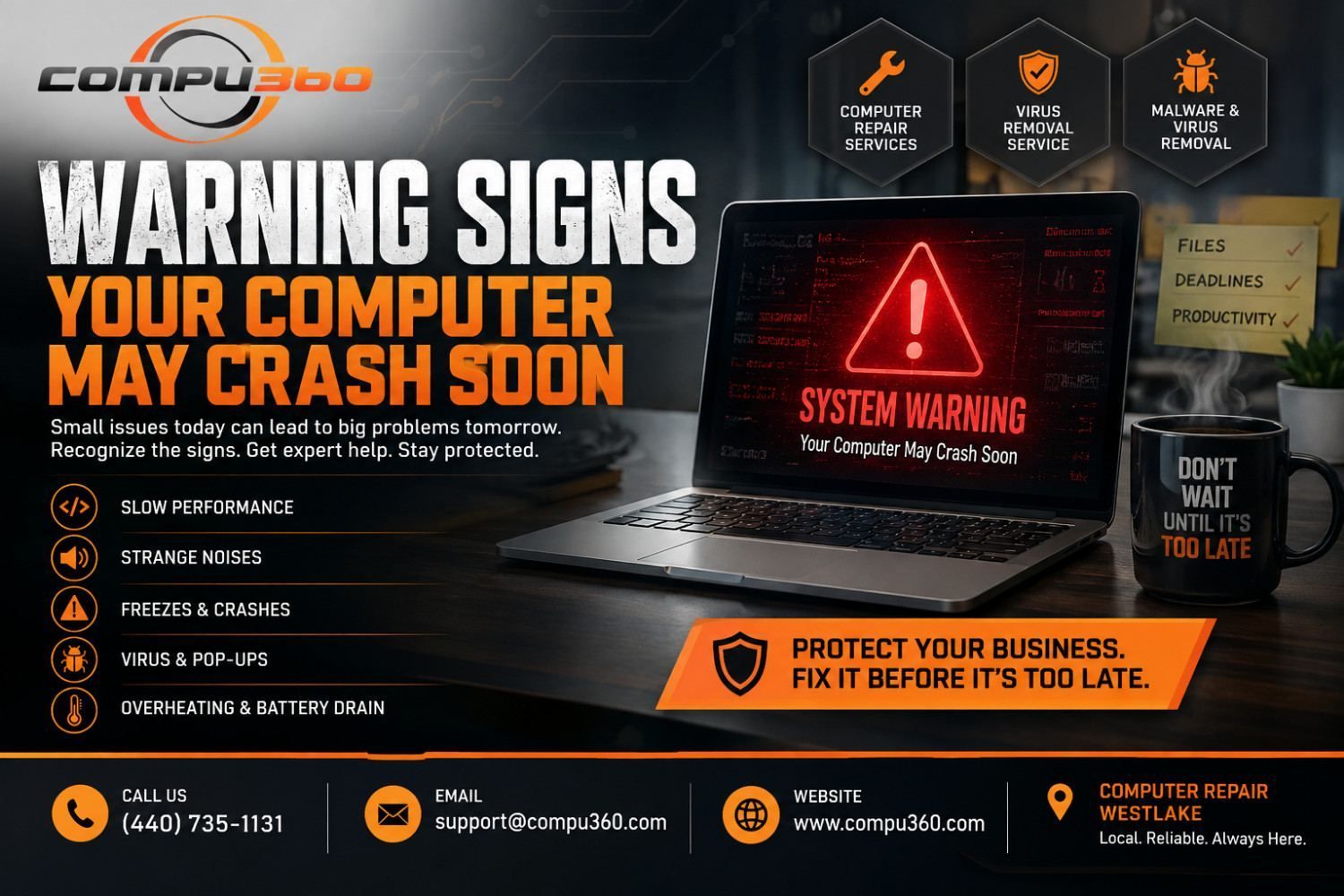
Computers rarely die without giving a warning. Long before a hard drive stops completely or a system refuses to boot, it drops hints. It can be a slow startup here or a strange noise there.
The main trouble is most small business owners dismiss these signs as minor annoyances until the day everything stops working. Recognizing the pattern early can be the difference between a quick fix and losing days of productivity, client files, and revenue.
The Slowdown That Won't Go Away
Every computer slows down occasionally, but a steady and worsening decline is different. If programs take longer to open, the mouse lags, or simple tasks like saving a file suddenly feel sluggish, it can be due to something deeper that is likely going on.
This could be a failing hard drive unable to read data, a memory issue, or an infection eating up resources in the background. Businesses that depend on quick turnaround — invoicing, client communication, order processing experience this kind of slowdown fast, and it rarely fixes itself.
Strange Noises Are Never "Normal"
A computer that starts clicking, grinding, or whirring louder than usual is telling you something specific: its hardware is under stress. Mechanical hard drives usually will make noise before they fail outright. Ignoring this is a costly mistake a business can make, since a drive that stops spinning can take years of files down with it.
Random Freezes, Crashes, and Blue Screens
Glitches happen occasionally. But frequent freezing, unexpected restarts, or repeated error screens point to a system that's losing stability. Sometimes it's due to outdated drivers or conflicting software.
Other times it's a sign that malware has embedded deep enough to interfere with normal operations. Either way, these interruptions add up, which show in terms of lost work, missed deadlines, and frustrated staff.
Pop-Ups, Redirects, and Unfamiliar Programs
If browsers redirect to strange sites, pop-ups appear when nothing is open, or unfamiliar programs show up in the taskbar, that's rarely a coincidence. These signs call for a proper malware and virus removal service rather than a quick antivirus scan. If they are left alone, infections spread and slow systems further. In worse cases, compromise sensitive business and customer data.
Overheating and Battery Drain
Fans running constantly, a laptop that's hot to the touch, or a battery that drains far faster than it used to are physical warning signs that get overlooked in busy offices. Dust buildup, failing components, or background processes running out of control can all be behind it — and each one of them shortens the life of the machine if left unaddressed.
Catching It Before It's Too Late
Fortunately, almost every one of these warning signs is fixable when caught early. That's where working with a trusted computer repair service in Westlake makes the difference.
Compu360 diagnoses the actual cause instead of just patching symptoms. Whether it's a hardware issue, a stubborn infection, or a system that simply needs a tune-up, our professional computer repair services can catch problems while they're inexpensive to solve.
You should never wait for the crash. If your computer has been showing any of these signs, feel free to reach out today for a virus removal service or complete system diagnostic. Let us know the issue before a warning becomes a full-blown breakdown.