
Laptop Overheating? Simple Fixes Before You Call for Repair

Arun Singh • February 2, 2026

Is Malware Causing Your Laptop to Overheat?
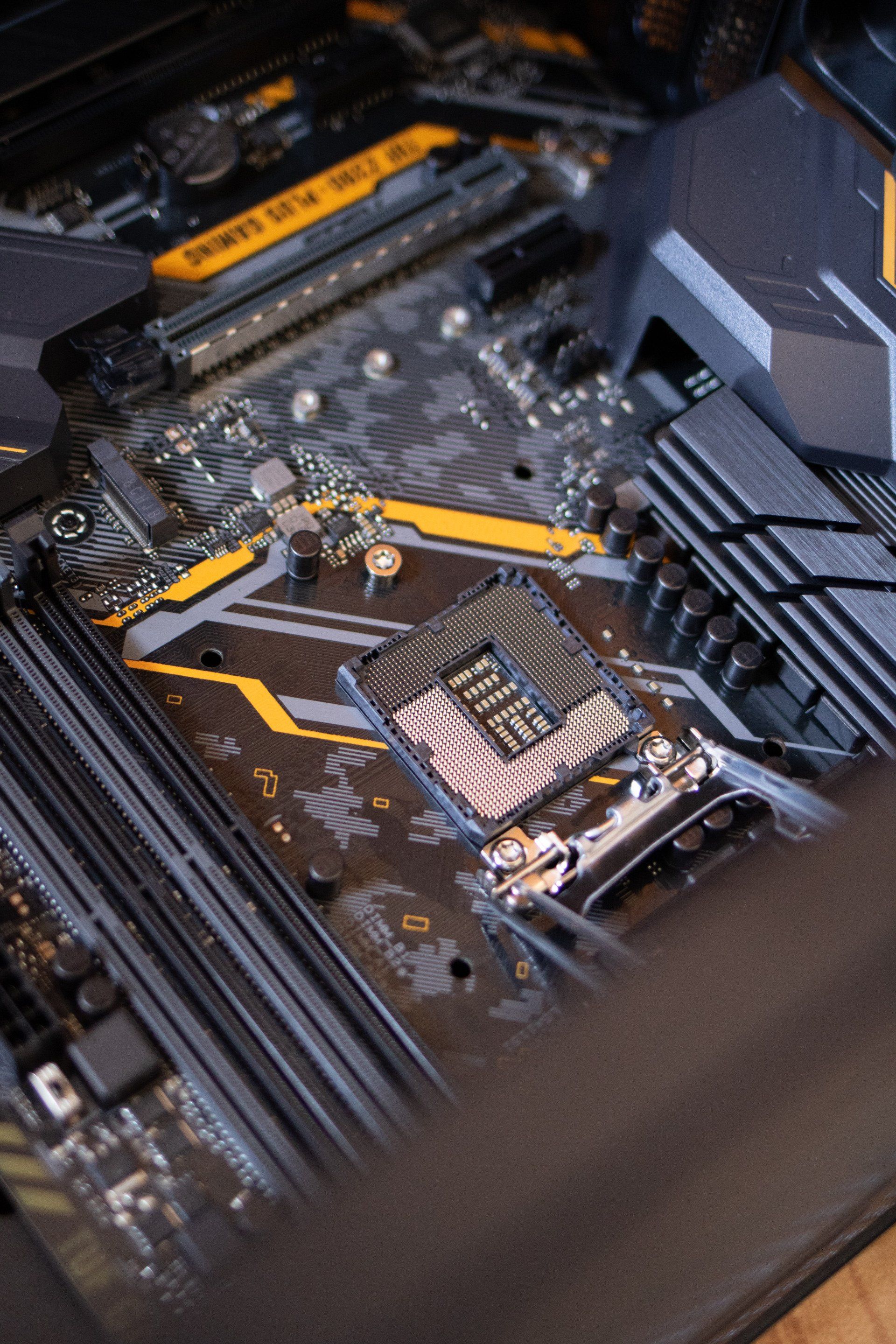
We’ve all been there. You are just trying to watch a movie or finish some homework, and suddenly your laptop starts sounding like a jet engine ready for take-off. Then you realize your keyboard is super-hot and if it’s on your lap, your legs are basically cooking.


It’s annoying, right? But honestly, overheating is kind of dangerous for your computer. If you ignore it, you can actually fry the insides. Before you start freaking out or searching for Computer Repair in Westlake, here is some easy stuff you can try yourself.


Stop suffocating it!

This is the number one mistake i see people make. Laptops look cool and thin, but they need air. Like, a lot of air.

If you have your laptop sitting on a fluffy blanket, a pillow, or your bedspread, you are basically choking it. The vents are usually on the bottom or the sides. When you put it on something soft, those vents get blocked. The heat has nowhere to go.


The Fix: Put it on a desk. or a table. Hard flat surfaces are best. If you really wanna work from bed, get one of those lap trays. Just get it off the blanket.


Attack of the Dust Bunnies

Dust is basically the enemy of electronics. Over time, your laptop sucks in dust, cat hair, crumbs... whatever is floating around. This gunk gets stuck in the fan and the heatsink. If the fan is clogged, it can’t spin fast enough to push the hot air out.


The Fix: Go to the store and buy a can of compressed air. Turn the laptop off and spray the vents. You will probably see a cloud of dust puff out. (Don’t use a vacuum cleaner! it creates static electricity which can kill your computer chips).


Maybe it’s a Virus?

Sometimes the heat isn't because of dust. It’s because the computer's brain is working too hard.


There are these sneaky viruses that run in the background without you knowing. Hackers use your computer power to mine crypto currency or do other shady stuff. This makes your processor run at 100% and get super-hot.


If your fan is spinning max speed even when you are just looking at a blank desktop, you might need a Virus Removal Service. At Compu360, we see this a lot. Our Malware and Virus Removal find the stuff that normal scans miss.


When you should actually call us

If you cleaned the dust and checked for viruses but its still overheating, it might be a hardware thing.


  • Thermal Paste: The grey goop that helps cool the processor might be dried up.
  • Broken Fan: Maybe the fan just died.


You really don't want to try fixing that yourself unless you know what you are doing. You could break something else. This is where our Computer Repair Services can save you.


Conclusion

Don't let your laptop melt. Try the desk thing first. But if it keeps getting hot, don't wait until it shuts off forever.

If you are looking for reliable Computer Repair in Westlake, just bring it to Compu360. We can open it up, clean out the gunk, and make sure its running cool again. Plus, we can check for those sneaky viruses too. Stay cool!


Web Design Company in Westlake
By Arun Singh February 3, 2026
Is your website driving customers away? Discover 5 essential homepage elements to boost trust and conversions. Get expert web design tips from Compu360.
By Arun Singh February 3, 2026
It happens more often than people admit. You get an email, a text, or a pop-up that looks legit… and before you know it, you’ve clicked a phishing link. Maybe it promised a delivery update, a bank notice, or a prize. Now you’re worried — did I just mess up my computer? Take a breath. Clicking a phishing link doesn’t always mean instant disaster, but you do need to act fast. Here are simple, practical steps to limit the damage — before things get worse. Step 1: Disconnect From the Internet Right Away As soon as you realize you clicked something suspicious: Turn off Wi-Fi Unplug your ethernet cable Stop any downloads This helps block malware from spreading or sending your data out. Step 2: Don’t Enter Any Passwords (If You Haven’t Yet) If the phishing page asked for logins and you didn’t type anything — that’s good news. Close the page immediately. If you did enter passwords: Change them right away Start with email, banking, and important accounts Avoid using the same password again And yeah… it’s annoying, but necessary. Step 3: Run a Full Virus Scan ASAP Phishing links often install hidden threats like spyware, trojans, or crypto-miners. Run a trusted antivirus scan or consider a professional Virus Removal Service to make sure nothing dangerous is hiding in the system. This step is important even if your computer “looks fine.” Hidden malware doesn’t always show obvious signs. Step 4: Watch for Strange Behavior Keep an eye on your device for: Slower performance Random pop-ups Unknown apps or files Browser redirects Accounts acting weird These can be signs that Malware and Virus Removal is needed before the problem spreads further. Step 5: Check Your Financial & Online Accounts If the phishing link looked like it was related to banking, shopping, or social media: Monitor transactions Watch for login alerts Enable two-factor authentication If something looks off, contact the company or bank right away. Step 6: Avoid Clicking “Fix It” Pop-Ups After phishing, some people panic and click more pop-ups that claim to “clean your PC.” That often makes things worse.  If you’re unsure what to do next, it’s safer to get real Computer Repair Services instead of guessing. When It’s Time to Call a Professional If your system starts acting strange — or you just want peace of mind — getting help early is smarter than waiting. If you need Computer Repair in Westlake , Compu360 offers: Full Virus Removal Service Malware and Virus Removal Computer cleanup and security checks System repairs and performance tune-ups Free diagnostics with clear pricing They help both home users and small businesses fix issues before they turn into bigger problems. How to Avoid Phishing Next Time (Quick Reality Check) No one is perfect, but these habits help: Don’t click unknown links Be careful with urgent “account alert” emails Hover over links before clicking Keep your system and antivirus updated Trust your gut — if it feels off, it probably is Clicking a phishing link doesn’t make you careless — scammers are getting smarter every year. What matters is acting quickly after it happens. Run a scan. Secure your accounts. And if you feel unsure, getting a professional Virus Removal Service is way better than hoping the problem goes away on its own.