Advanced Strategies for Total Malware Protection for Westlake Businesses and Homes
Computer security threats have become common across Westlake. From small businesses to home offices, one bad file can damage data and slow down work. Strong protection and professional Malware and Virus Removal can keep your system safe and stable.
What malware actually does
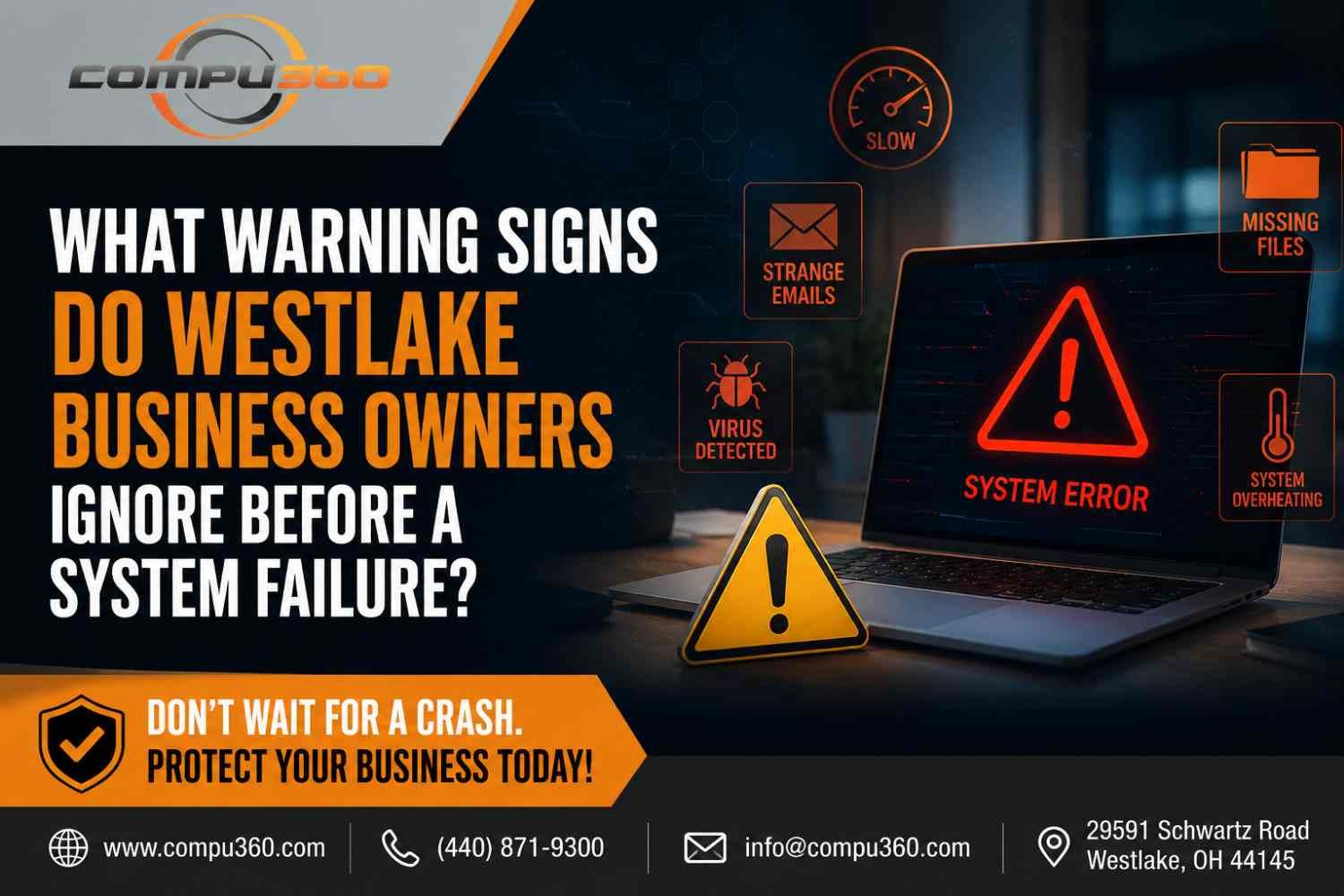
Malware hides inside files, emails, and websites. It can steal passwords, track activity, or lock your data. Some programs stay quiet for days before showing signs. Slow booting, random pop-ups, and files that refuse to open are early warnings. Once infected, even a good antivirus may not clean everything completely. That’s when a professional Virus Removal Service helps the most.
Smart habits that lower risk
- Update software often. Old software gives attackers a door in.
- Avoid unknown email links. Many attacks start with fake invoices or shipping notices.
- Use different passwords for important accounts. A stolen password should not open everything.
- Backup your files. Keep one copy offline or in the cloud.
- Install a trusted antivirus tool and keep real-time protection active.
Small daily habits like these make a big difference.
What professionals can do better
A technician uses advanced scanners and removal tools that dig deeper than typical antivirus apps. They inspect startup files, registry entries, and hidden folders. Often, a clean reinstall of Windows or system repair is the safest route after a heavy infection. Experienced teams also check your router, network drives, and backup devices for leftover threats. Local experts offering Computer Virus Removal usually handle all these steps quickly.
Business-level protection
Westlake companies rely on stable systems for invoices, client files, and orders. One ransomware attack can stop all work. Business owners should schedule regular system scans and staff training. Limiting admin rights and using strong firewalls reduce risks. A professional tech partner can set up managed security that runs quietly in the background and alerts you at the first sign of trouble.
When to call for help
Call a technician if:
- Pop-ups appear even when the browser is closed.
- Files vanish or open with errors.
- Antivirus keeps finding the same threat again.
- System speed drops suddenly.
Early help saves both time and data. For Westlake residents, local support is easy to find and faster than online fixes.
Stay protected with local service
Strong digital protection is not only about tools but quick response when something goes wrong. Compu360 in Westlake provides trusted Malware and Virus Removal, full system cleanup, data recovery, and network security support. Their skilled team also offers Computer Repair Services for both home and business users. You can bring your system in or book on-site repair. For dependable Virus Removal Service, visit https://www.compu360.com/ or contact their team for a clear quote and expert help.