
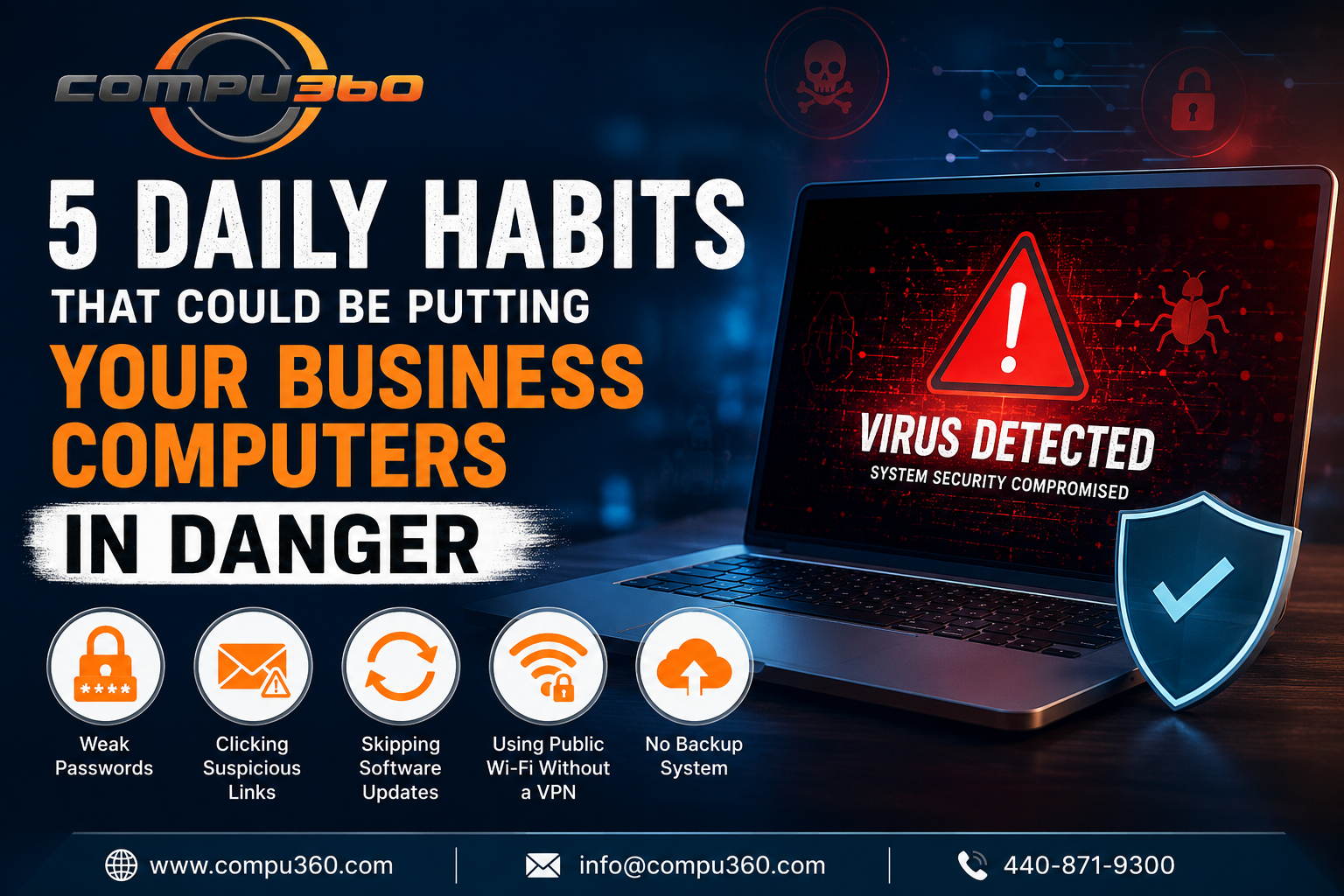
5 Daily Habits That Could Be Putting Your Business Computers in Danger
Sudhir Das • July 15, 2026

5 Daily Habits That Could Be Putting Your Business Computers in Danger

Computer Virus Removal

Running a small business involves wearing a lot of hats. You're the manager, the marketer, the customer service rep, and more often than not, the IT department. The issue with that last one is that most small business owners never realise how many everyday habits are quietly putting their computers (and their entire business) at risk.


Here are things that happen in small businesses every day and why they matter more than you might think:


Using the Same Password for Everything

It's convenient, you know. Using passwords again across your email, accounting software, and business accounts is an easy way to hand cybercriminals access to everything at once.


One data breach on any platform where you've used that password, and the domino effect can be devastating. Use a password manager and turn on two-factor authentication wherever you can. This process takes minutes to set up and can save you weeks of damage control.


Clicking Links in Emails without Thinking

Phishing emails have gotten convincing. A routine invoice, a shipping notification, or a message from your bank could be a carefully crafted trap. One click on the wrong link can install malware on your system before you've realised what happened.


If an email feels slightly off, like an unexpected sender, unusual urgency, or a link that doesn't quite match the company name, you shouldn’t click it. When in doubt, you must go directly to the website instead.


Skipping Software Updates

Is the little pop-up asking you to update your operating system or software? You might hit "remind me later" when you're in the middle of a busy day. But those updates always contain critical security patches fixing vulnerabilities that hackers are actively exploiting.

Delaying updates sometimes for weeks or months leaves a door wide open. You must set updates to run automatically overnight so they're never a disruption.


Connecting to Public Wi-Fi Without a VPN

Are you working from a coffee shop, a hotel lobby, or a shared coworking space? Public Wi-Fi networks are notoriously easy for bad actors to intercept.


Without a VPN (Virtual Private Network), anything you send or receive on that network like emails, login credentials, client data, could potentially be visible to someone else on the same connection. A basic business VPN subscription costs very little and protects the most.


Not Having Any Kind of Backup System

Ransomware attacks on small businesses are more common than most people realise. Cybercriminals often lock you out of your own files and demand payment to restore access.


If you have no backup, you're stuck. A simple automated cloud backup running daily implies that in a worst-case scenario, you haven't lost everything. It's one of the most effective protections available and one of the most overlooked.


Bottom Line -

These are common warning signs that something has already gotten through. You should never ignore them. Fast, professional computer virus removal in Westlake means you don't have to lose data, downtime, or clients over it. The team at Comu360 offers expert malware and virus removal alongside full computer repair services. We can help you get your system clean, secure, and back to business quickly.



By Sudhir Das June 3, 2026
Most small businesses in Westlake use technology to manage daily operations, store sensitive data, and communicate with customers. But this increasing dependence comes with a growing risk, i.e., cyber threats. If businesses ignore these risks, they can lead to serious consequences. That’s why it’s essential for business owners to stay informed and protected. The Rising Threat of Cyber Attacks Cybercriminals are no longer just targeting large organizations. In fact, small businesses have become main targets because of their lack of advanced security systems. From malware to phishing scams, these threats are getting more sophisticated and difficult to detect. A cyberattack can compromise customer data, financial records, and internal systems. Without proper protection measures, recovering from such incidents can be time-consuming and costly. Financial and Operational Impact The main reason why small businesses can’t afford to ignore cyber threats is the financial damage they can cause. A successful attack may lead to data loss, system downtime, and even legal penalties if customer information is exposed. Operational disruptions are another significant concern. When systems go down, productivity is affected. Employees can’t even access important files or complete daily tasks that directly impact customer service and revenue. Damage to Reputation and Trust Reliability is everything for small businesses. Customers can expect their personal and financial information to be handled securely. A data breach can impact that trust and damage your reputation. Once customers lose confidence in your business, it can be difficult to regain. Negative reviews and word-of-mouth can significantly harm your brand and make recovery even more challenging. Common Warning Signs You Shouldn’t Ignore Recognizing early signs of a cyber-threat can help businesses prevent major damage. The common indicators include slow computer performance, frequent crashes, unexpected pop-ups, or unauthorized access to accounts. If you notice any of these issues, you need to act quickly. Seeking professional assistance like a reliable virus removal service , can ensure that threats are identified and eliminated before they escalate. The Importance of Professional Support While some business owners attempt to handle issues themselves, professional assistance offers a more reliable solution. Experts providing computer repair services have experience and insights to detect hidden threats and secure your systems effectively. Additionally, working with specialists in computer repair in Westlake ensures that local businesses receive prompt support specifically tailored to their needs. This can significantly minimize downtime and prevent recurring issues. Preventive Measures for Long-Term Security Small businesses should invest in antivirus software, regular system updates, and secure data backup solutions. They should train their employees to recognize phishing emails and suspicious links. Routine maintenance and security checks can help identify vulnerabilities before they are exploited. Taking proactive steps today can save your business from expensive problems in the future. Final Consideration Cyber threats are a real and growing risk for small businesses. Ignoring them can result in financial loss, operational disruptions, and lasting damage to your reputation. By staying vigilant, relying on Compu360 , and implementing preventive measures, small businesses can protect themselves and continue to thrive in this competitive industry.
Computer Repair in Westlake
By Arun Singh April 14, 2026
Don't let hidden malware tank your productivity. Learn how professional computer repair in Westlake identifies early signs of system issues and viruses.